
Windows
Your deviceWindows 10 / 11 · 64-bit Python
Download for Windows SHA-256 checksumYour music. Your computer.
Slow it down. Shape the sound. Keep your collection close, and export exactly what you hear.
Get SlowMySong StudioFree · Local audio & video · No account
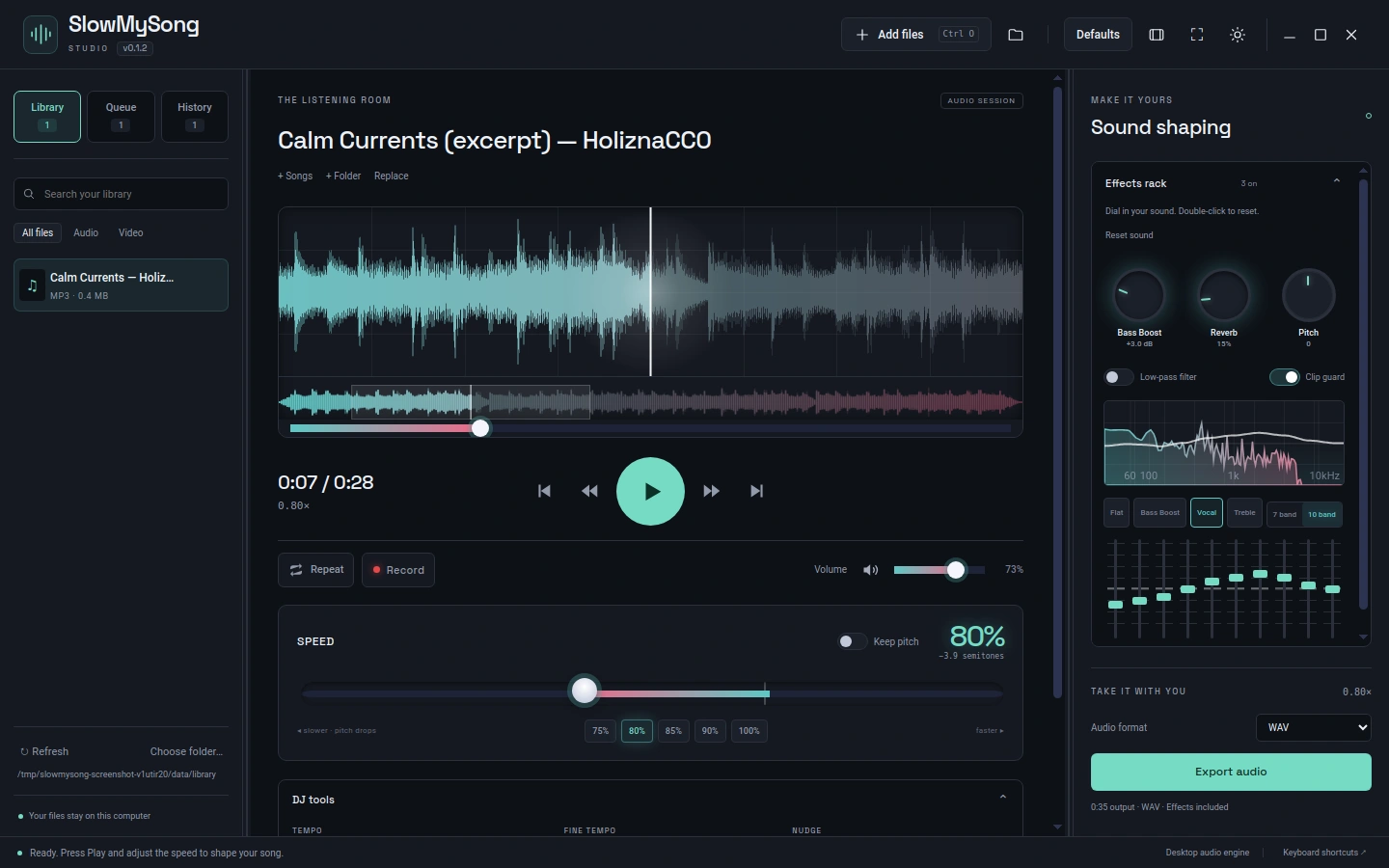
A small download. A guided setup.
Windows 10 / 11 · 64-bit Python
Download for Windows SHA-256 checksum
Apple Silicon & Intel
Download for macOS SHA-256 checksum
64-bit · Python & Qt compatible
Download for Linux SHA-256 checksumPython and Qt are installed separately. The checker shows what is ready, what is missing, and the commands to install it. Qt includes the playback engine and may need several hundred MB once. FFmpeg adds broad video playback and MP3/video export; WAV works without it.
You’ll review and agree to the download terms before downloading. Public downloads edit local files and have no YouTube downloader.
Extract the folder. Open the launcher. Follow the checks.
Open the launcher below. If Python is missing, it points you to installation instructions.
Run the commands shown by the checker in your terminal. Dependencies stay in an isolated environment in your user account.
When the required checks pass, open Studio and add your files or a music folder.
Windows setupExtract the ZIP, then double-click Start SlowMySong.cmd. Keep the extracted app folder. Dependencies are stored separately in your user account.
If Python is missing, install 64-bit Python and reopen the launcher:
winget install --id Python.Python.3.12 --exactThe checker provides the commands for Qt and optional FFmpeg. After installing, click Rescan.
macOS setup & opening warningsExtract the ZIP. This is a source package for Apple Silicon and Intel; it does not install a signed app in Applications. Open Terminal in the extracted folder and run:
bash 'Start SlowMySong.command'If Python is missing, install it from python.org or, if you use Homebrew:
brew install pythonThis preview is not signed or notarized by Apple. Finder may block a downloaded launcher. Apple documents an app-specific Open Anyway option under System Settings → Privacy & Security after an opening attempt. See Apple’s opening instructions. A signed, notarized Mac app needs the publisher’s Developer ID certificate.
Linux setupExtract the archive. Open a terminal in the extracted folder:
bash slowmysong-studioThe checker lists Python, Qt and optional FFmpeg, with commands for your distribution. On Ubuntu/Debian, Python’s environment support may need:
sudo apt install python3 python3-venv python3-tkKeep the extracted app folder and reopen the same launcher next time.
Dependency-assisted preview. Package contents and launchers are checked; full app testing for this release was performed on Linux. macOS and Windows still need on-device testing.